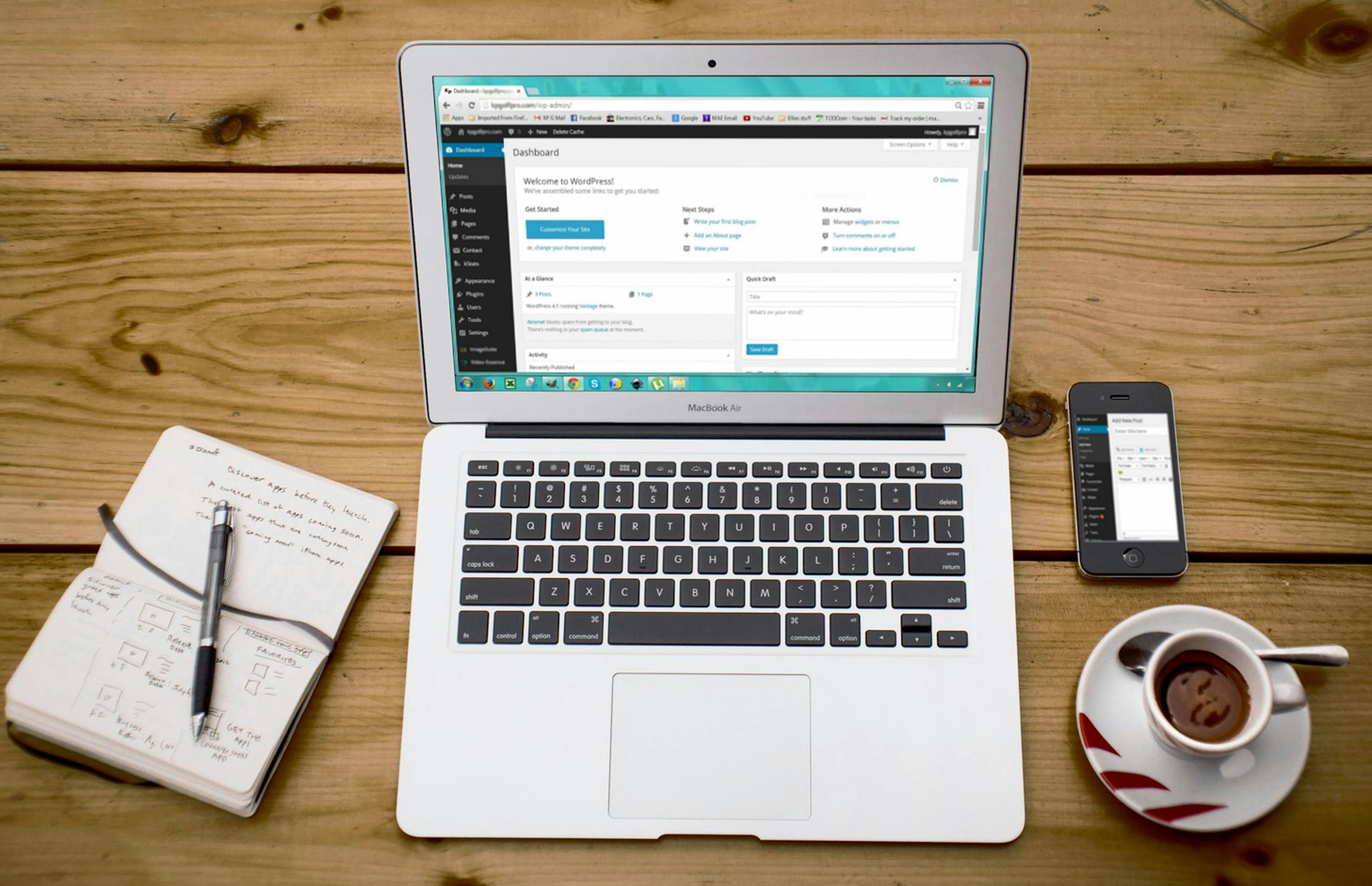
A website is a great way for someone to build their business, grow their brand, or start a blog. But if you’ve been doing any research on where to start building out your website, you have probably heard of the heated debate between WordPress and Squarespace.
Squarespace was founded in 2003, around the same time WordPress had launched. Both started as blog hosting sites to allow people to share their stories online.
There are several differences and similarities between these two platforms. Let’s take a closer look into each of these two hosting and website development sites to help you decide which one would be best for your website needs.
Why You Might Want To Use Squarespace
Think of Squarespace as an all-in-one package. This website is known for being incredibly user-friendly, and while it offers many of the same things as WordPress, it’s primarily meant for those who are less tech-savvy.
When you initially sign up for Squarespace, you are given an option to decide on your package, which can provide you with a custom URL, hosting, custom emails, email marketing, membership programs, an online shop, and many other aspects.
Unlike WordPress, all of these tasks are managed under one roof. With WordPress, you would need to individually add these various items through the installation of “plugins.”
One of the biggest downsides of Squarespace is that it’s significantly more expensive than using WordPress. However, this depends on your desire to save time or money when it comes to how much experience you have working on the backend of a website.
Why You Might Want To Use WordPress
First, we need to distinguish that there is a difference between WordPress.com and WordPress.org. In this circumstance, we are referring to WordPress.com, which is primarily what people use to host and build out their websites.
WordPress is by far more intimidating and less aesthetically pleasing than Squarespace. When you first start with WordPress, you don’t have everything built into your website from the very beginning. This is because WordPress is meant to be significantly more customizable than Squarespace which is one of the biggest draws for many users.
Think of it like someone using an Android phone versus an iPhone. iPhones come with standard fonts, color options, and ways to layout the different apps on your device. Everyone who uses an iPhone will have the same limited options iPhone gives its users.
Android, on the other hand, is significantly more customizable. Every Android user can alter several different aesthetics on their phones and aren’t glued to a set of built-in functions and designs, like with an iPhone.
In this example, WordPress is like Android, whereas Squarespace is like the iPhone. One might be sleeker and less clunky, but the other allows you a bit more freedom. Unfortunately, with more customization comes more complexities.
For this reason, WordPress is strongly recommended for people who intend on having a professional create and manage their website, or if you have extensive experience with CSS and web design.
Which Platform is Better for SEO?
SEO stands for search engine optimization. Your SEO rankings are how a search engine like Google determines what page in someone’s search your information will be found. Say, for instance, you are a firearm store that allows people to buy handguns online. You will want to ensure that your website is optimized for specific keywords to help your products and pages to be found on the first page of someone searching for handguns to purchase online.
Of course, SEO is far more complex than that. But when it comes to which of the two sites better serve customers for their SEO, experts say that both platforms are exceptional to use. However, WordPress often has higher rankings than Squarespace.
Conclusion
In our opinion, it’s best to consider a few things before deciding whether WordPress or Squarespace is a better option for you.
- How much are you looking to pay or save each year for your website?
- Do you have knowledge of CSS or will you be hiring a developer to manage this for you?
- Are you looking for more customization or for simplicity?
While it’s hard to say which one is better than the other, it completely depends on your needs as the website owner.